ICMP Data Exfiltration
Point3 CTF Writeup
Name of challenge: spookymemory
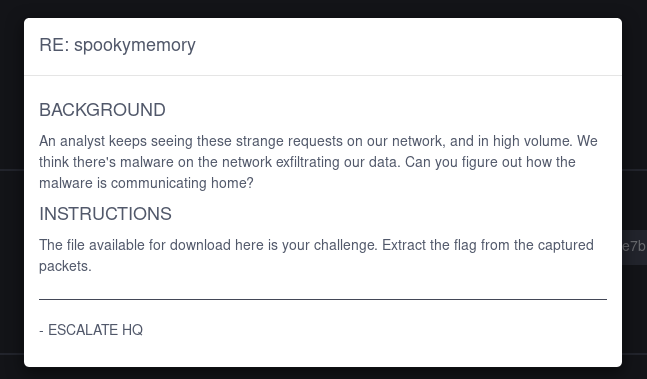
I spent more time than I’d like to admit trying to solve this CTF challenge. I kept getting stuck and revisiting it once in a while.
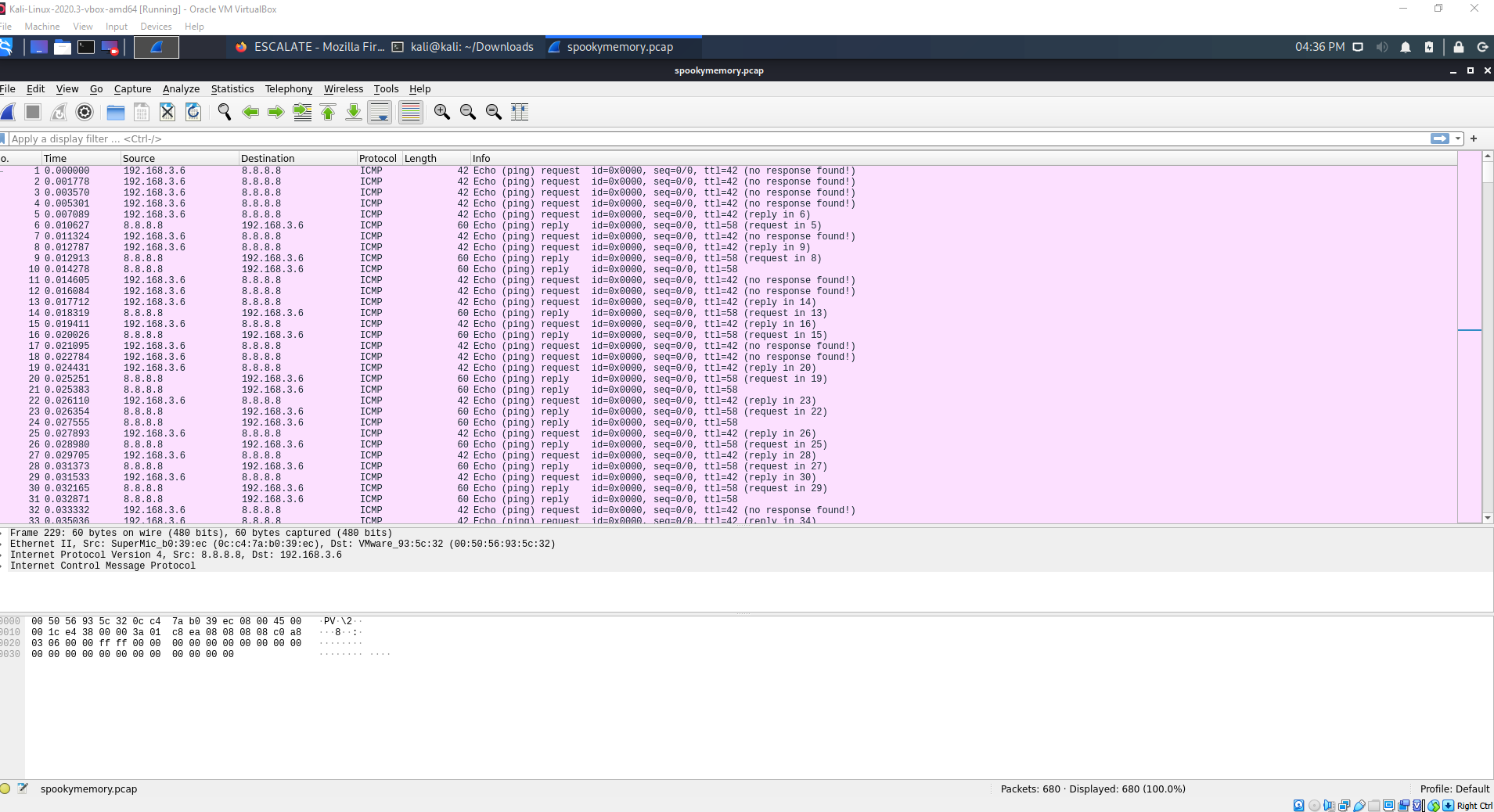
I opened the provided PCAP file in Wireshark and noticed the protocol being used is ICMP.
What is ICMP?
ICMP (Internet Control Message Protocol) utility protocol of TCP/IP responsible for proving info regarding the availability of devices services, or routers on a TCP/IP network. Troubleshooting tools center around common ICMP message types.
ICMP Types and Messages - The structure of an ICMP packet depends on its purpose as defined in the Type and Code fields.
“Ping is ICMP’s biggest claim to fame.”
Penetration testers can use hacker tools such as NPING, HPING2, Nemesis, SING, or even regular Linux utilities to craft custom ping traffic such as iputils.
My initial observations
- The file contains a capture of ICMP packets exchanged between host 192.168.3.6 and host 8.8.8.8 (ping requests).
- The sequence number is 0 for all requests
- There is no data payload in any of the packets
- There are multiple replies for every request
- The ICMP Echo request and reply payload length are not the same
- Request length: 42
- Reply length: 60
- The request and reply have different TTL values:
- Request TTL: 42
- Reply TTL: 58
- The length and TTL values are both 42 –> really fishy??
Wireshark has some great tools to give you stats about your packet capture. I used some of these to investigate further:
- Statistics-> Packet lengths reveals that 100% of packets are 40-79 bytes
- Analyze->Expert information view shows 1 warning - No response seen to ICMP request
What does normal ping traffic look like?
I wanted to look at what normal ping traffic looked like to get a better understanding of abnormal behavior, so I found some sample PCAP files.

- Length of request and reply are the same size (74)
- Requests all have replies
- The replies and request all have a sequence number
This reinforced some unusual behavior from the previous packet capture:
- The sequence number is usually incremented with each subsequent request.
- The request and reply lengths should be identical, so the payload sizes should match.
No data field
I examined the ICMP data section for any ASCII characters that could form a secret message but found the payload was empty. I researched other ways that data can be hidden inside of a ICMP packet and came across “timing data exfiltration” and “boolean based attacks”. These seemed to be promising after I exhausted the other options.
Timing data exfiltration
This blog post details how the seconds of the time could be used to represent data in ASCII form. Also a forum thread mentions using timing for data exfiltration. I found this very interesting and started looking at the time more closely.
In Wireshark I used View->Time display format to show the exact date and time the packets were captured. All the requests (342) were in the period of 2 minutes.
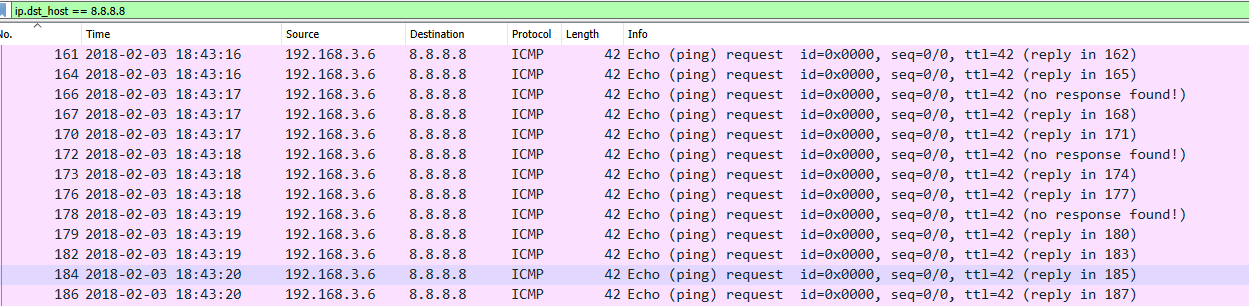
I created python scripts to analyze the PCAP file w/ Scapy and explored several dead ends. For example: One thing I tried was counting how many pings were sent per second, adding those to an array and converting from HEX to ASCII.
Then, I focused on the timing between packets and extracting the deltas. There was a pretty clear pattern in the timing values. Some values were about 500ms and some were ~2ms.
0.001778
0.001792
0.001731
0.502819
0.001838
0.503356
0.504786
...
I used 1s and 0s to represent them and converted to binary.
101100111011100110110100101100101000101010101110111011011011011110...
I split the binary string into 8 bit chunks and converted each section to a decimal. However, I found the results were not printable ASCII characters, as they were all greater than 128. I used my knowledge of XOR from other CTFs and applied XOR (128) to “flip the bit” and get a readable character. I got some encoded data.
3942\n.m77elbd6`6mdafla7g7313d61damg`e0(
I suspected the first 4 characters were “flag” because they stood out from the others. I pasted the encoded string into CyberChef and entered “flag” as the known plaintext in the “Magic” recipe. There are more sophisticated ways to decode this, but success!
flag_{8bb0971c5c814394b2bfdf1cd148250e}
Resources
- Practical Packet Analysis: Using Wireshark to Solve Real-world Network Problems by Chris Sanders
- https://www.levelblue.com/blogs/spiderlabs-blog/hidden-data-exfiltration-using-time-literally
- https://en.wikipedia.org/wiki/XOR_cipher
- https://gchq.github.io/CyberChef/